For madrasahs and teachers
Read a story with the whole class.
Every book is free, with no sign-up and no ads. Show it on a projector or TV, let the narration read aloud, then send the families a link so they finish it together at home.
Put it on the big screen
Open the book, choose Page, then Full screen in reading settings (Aa). Turn pages with the arrow keys or a presentation clicker.
Let it read aloud
Tap Listen. Words light up as they are read, so children can follow along. Turn on Turn pages by itself to keep your hands free.
Send it home
Show the QR code at the end of the lesson, or share the link in the class WhatsApp group. Families pick up where the class stopped.
Every book, ready for class
Reading time is for reading aloud at a calm pace. Follow the reading paths for the recommended order.
-

-
-
-
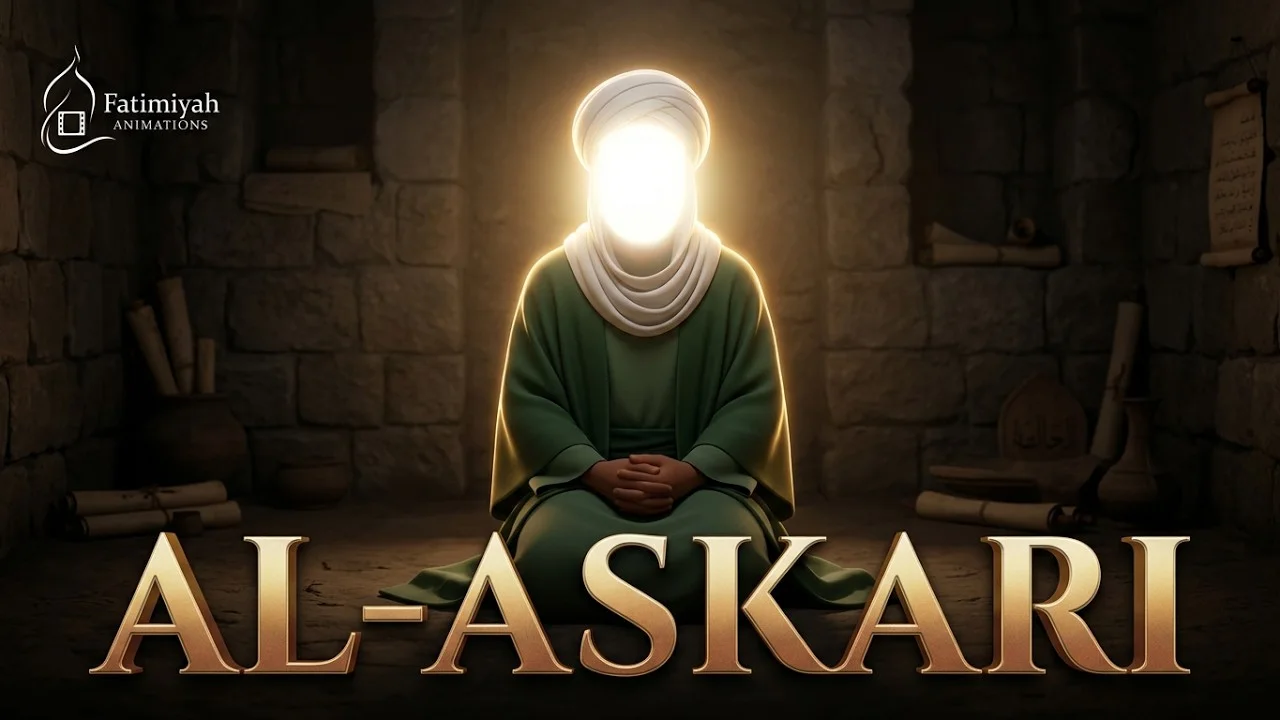
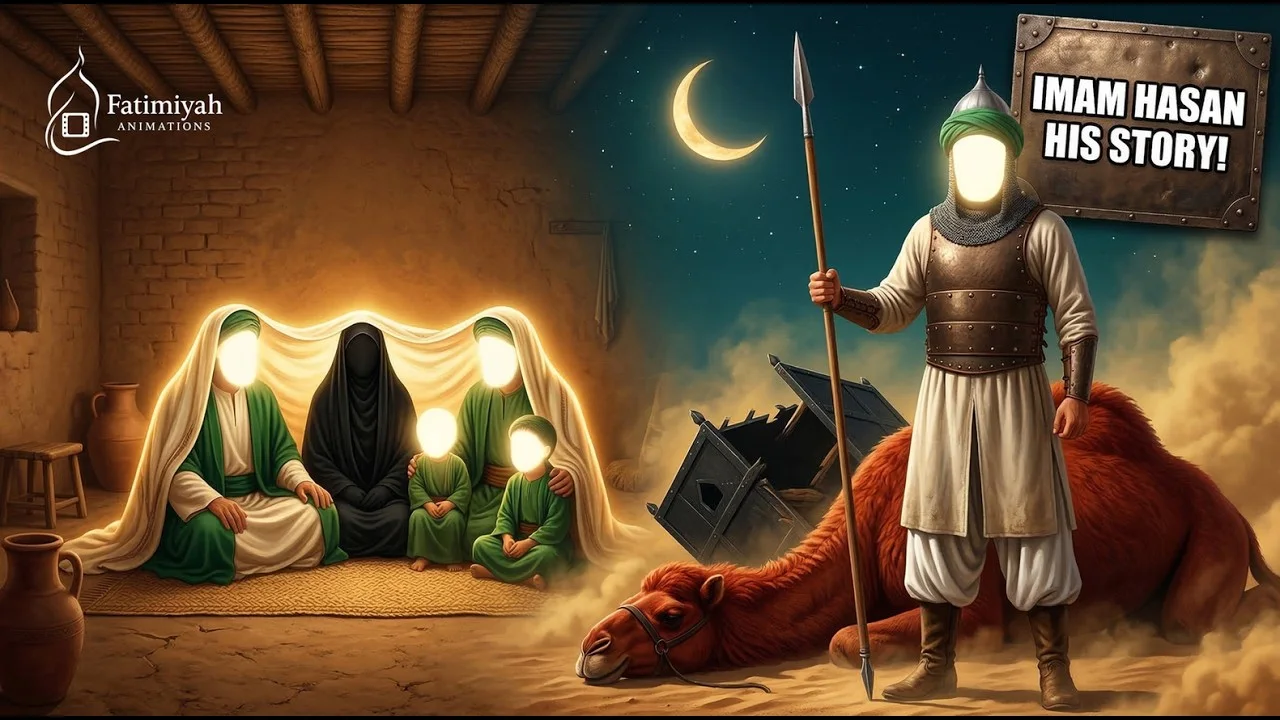
Imam Hasan al-Askari (a.s.) Biography for Kids
Imam Hasan al-Askari (a.s.)
-
-

The Aqd of Bibi Fatimah & Imam Ali for Kids
Lady Fatemah and Imam Ali (a.s.), Imam Ali, Bibi Fatimah
-

-
-
The Life of Prophet Muhammad (s.a.w.s.)
Prophet Muhammad (s.a.w.s.)
-
-
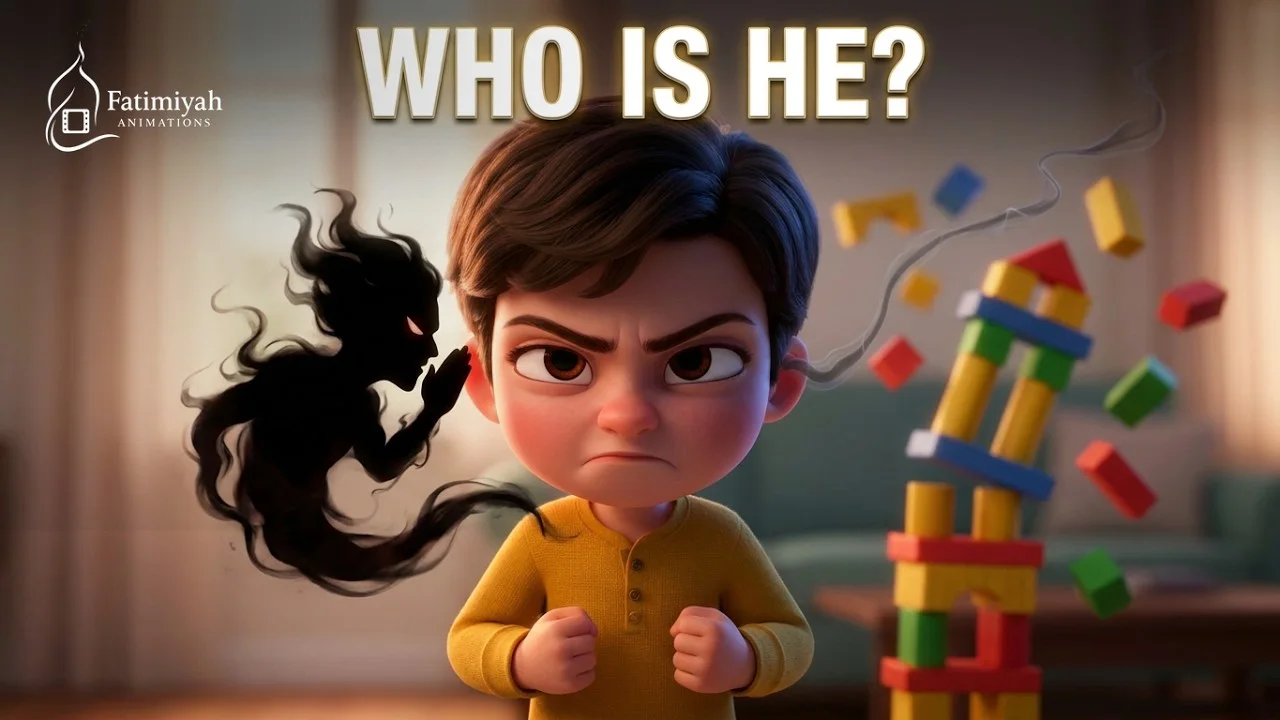
The Story of Shaytan
Shaytan (Iblis)
-
-
-

-
-
-

-
-
The Journey to Karbala Begins
Imam Husayn (a.s.)
-
-

-

-
-
-

-
-
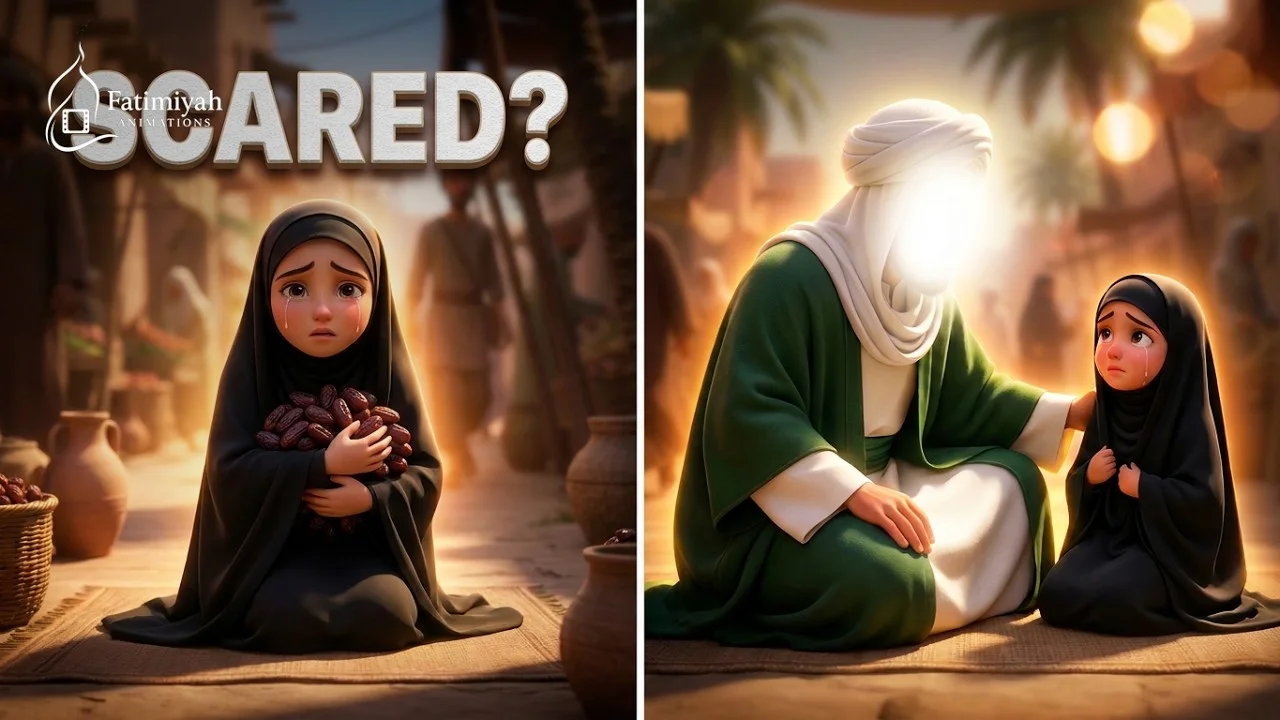
How Imam Ali Helped the Little Girl
Imam Ali
-
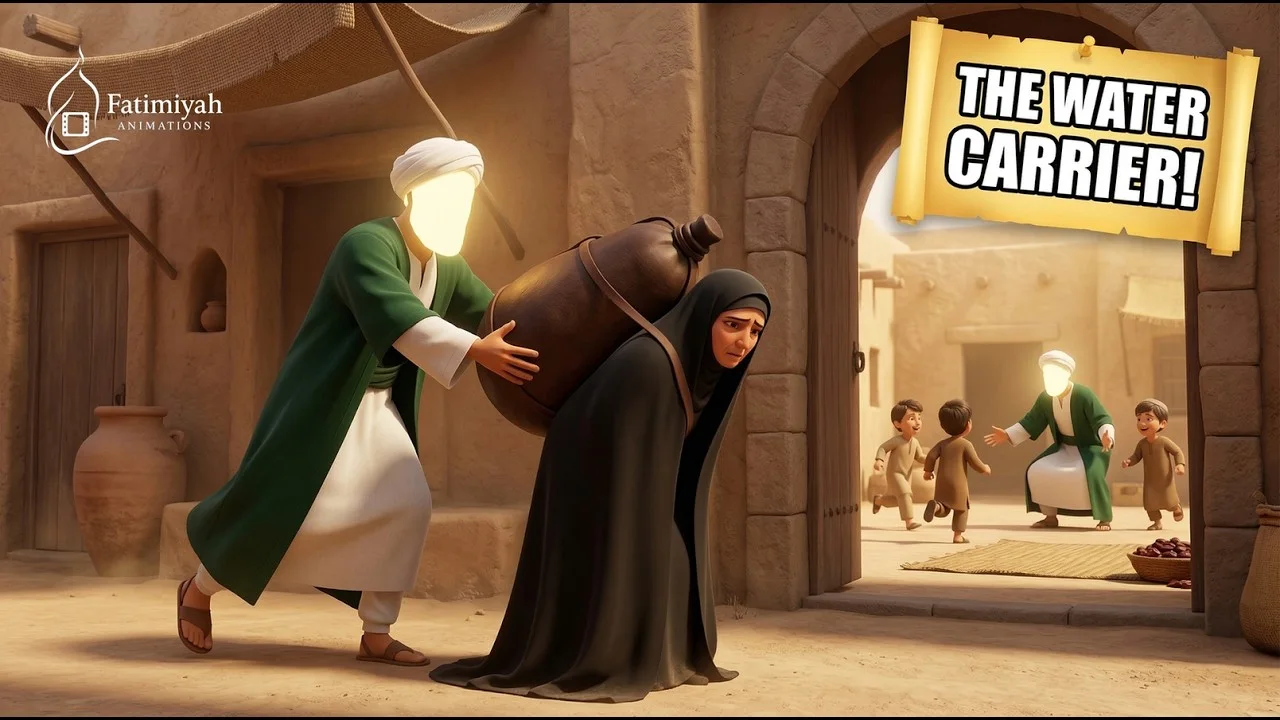
Imam Ali for Kids
Imam Ali
-
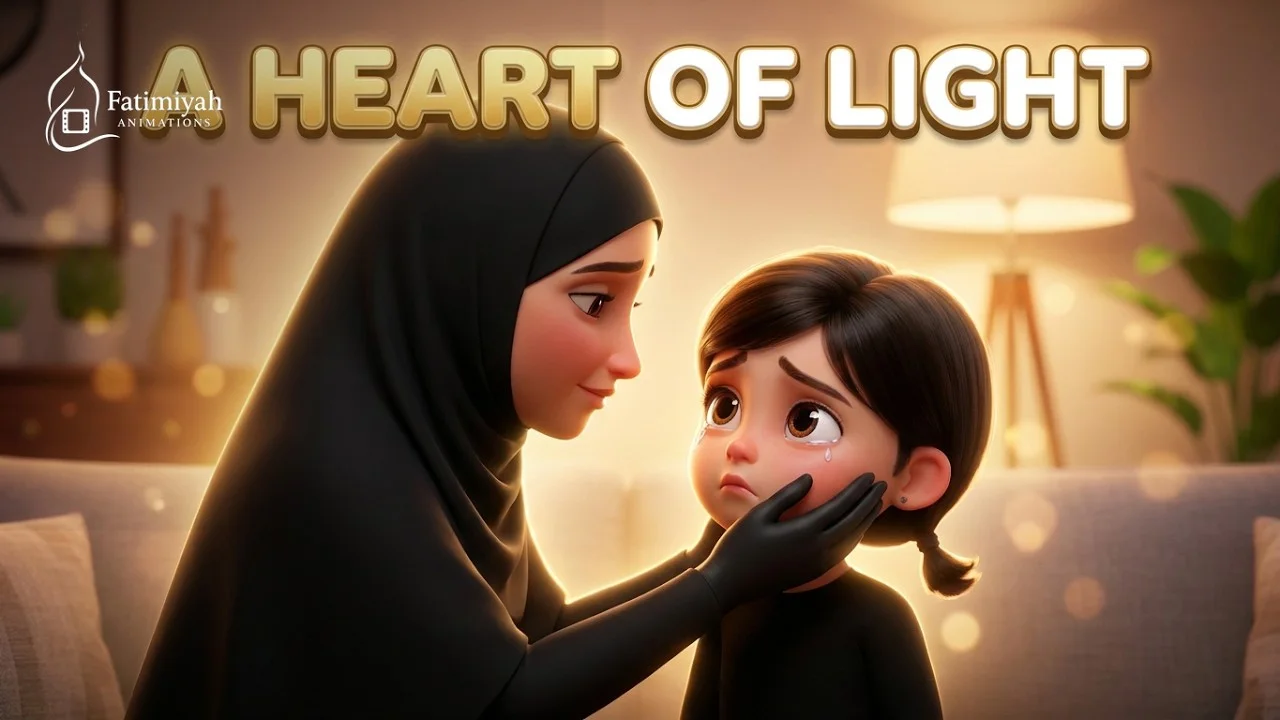
-
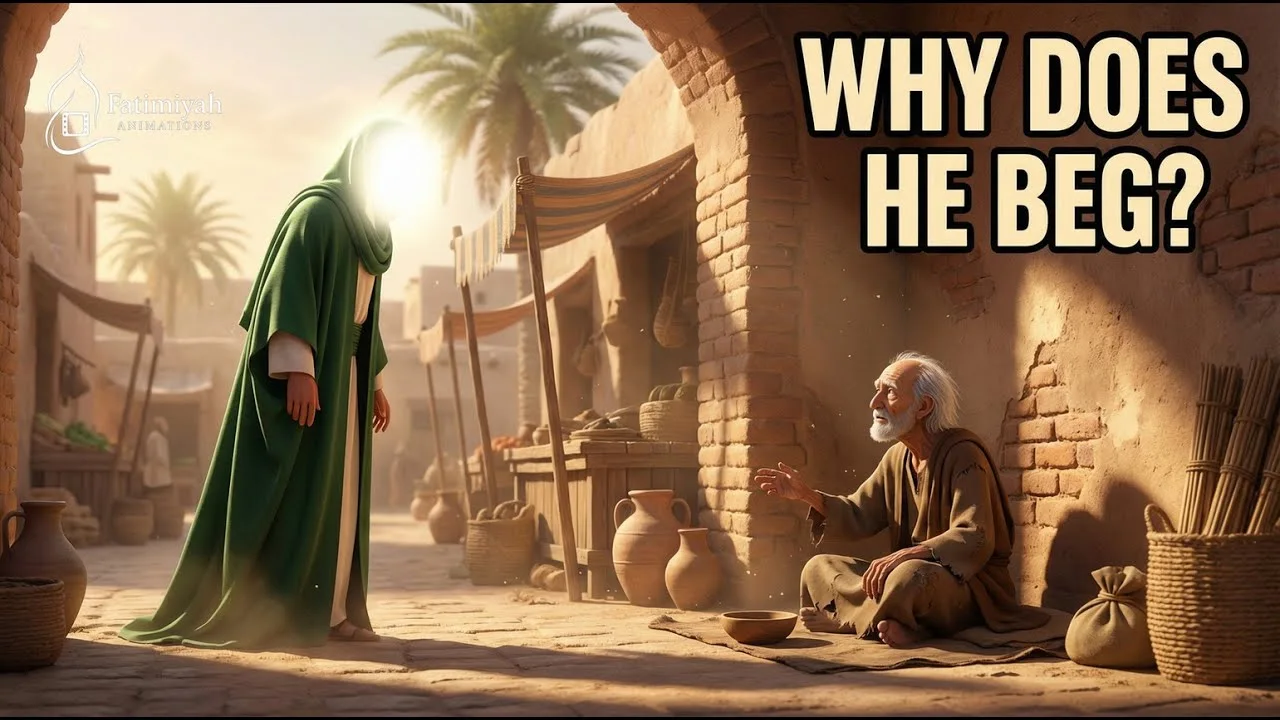
Imam Ali for Kids
Imam Ali
-
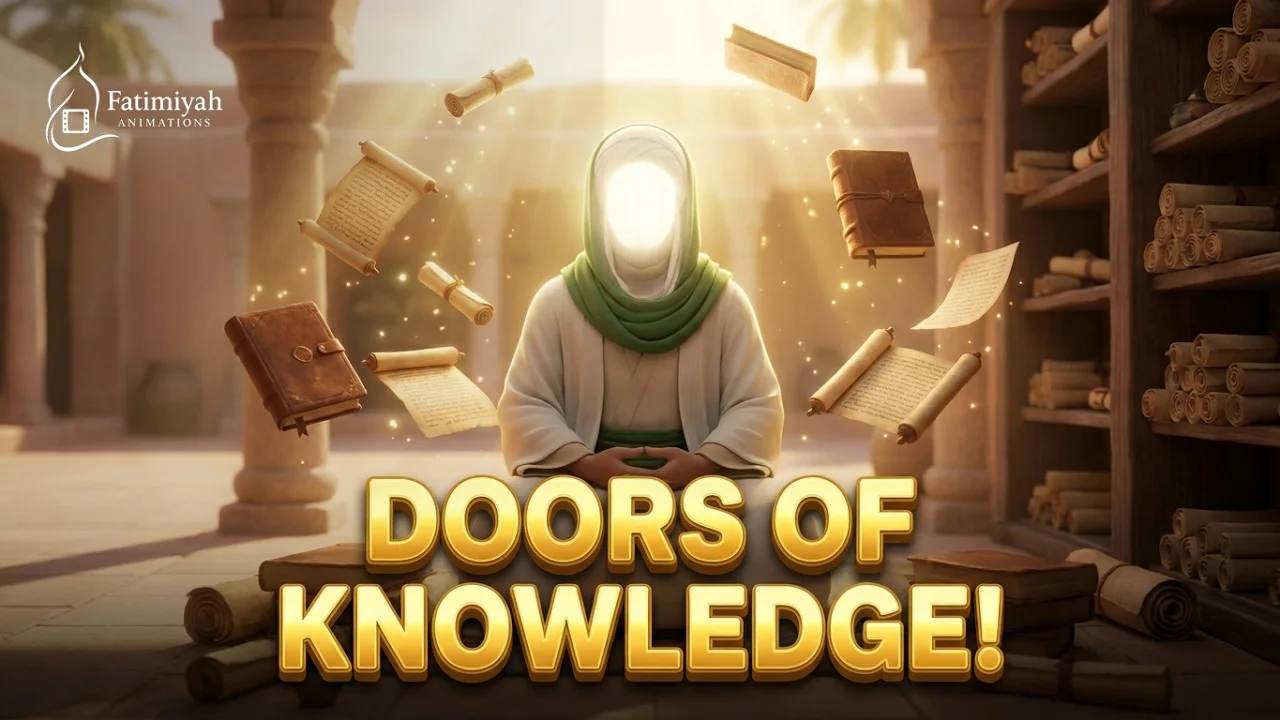
-
-
-
-
-
-

-
-
-
Shahadat of Imam Baqir (a.s.) for Kids
Imam Muhammad al-Baqir (a.s.)
-
-
-
-
-
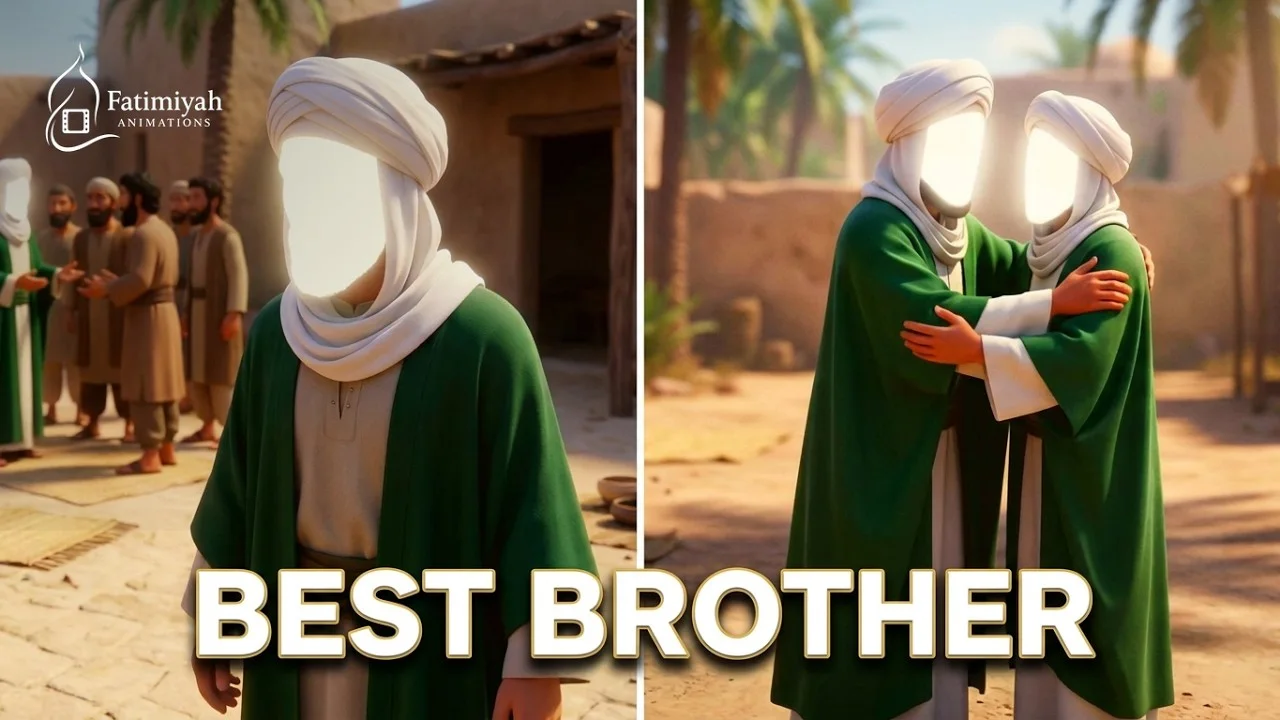
Prophet Muhammad and Imam Ali (a.s.)
Imam Ali
-
-

How Imam Ali Shared the Wealth
Imam Ali
-
-
-
-
-
-
-
-

-
-
-
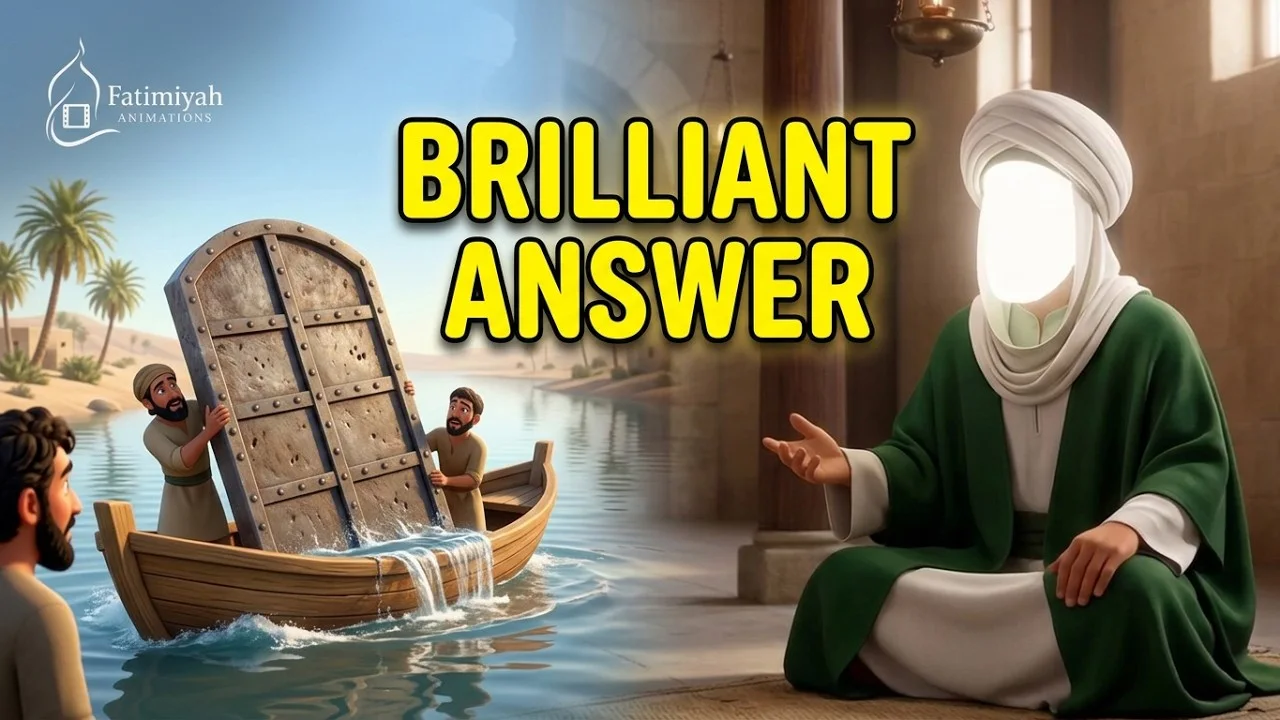
Imam Ali’s Brilliant Answer
Imam Ali
-
-

-
Imam Ali for Kids
Imam Ali
-
-
-
-

Imam Ali for Kids
Imam Ali
-
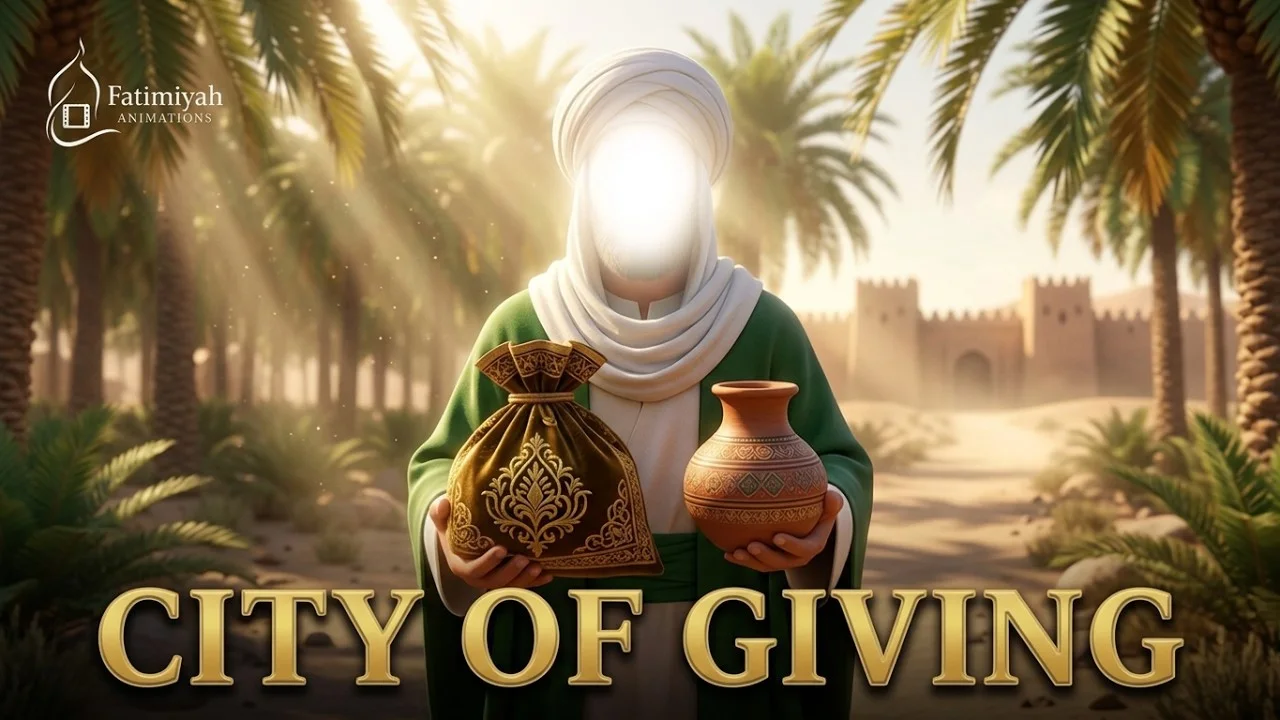
The Most Hospitable Man in Medina
Imam Husayn (a.s.)
-
-

-

-
-
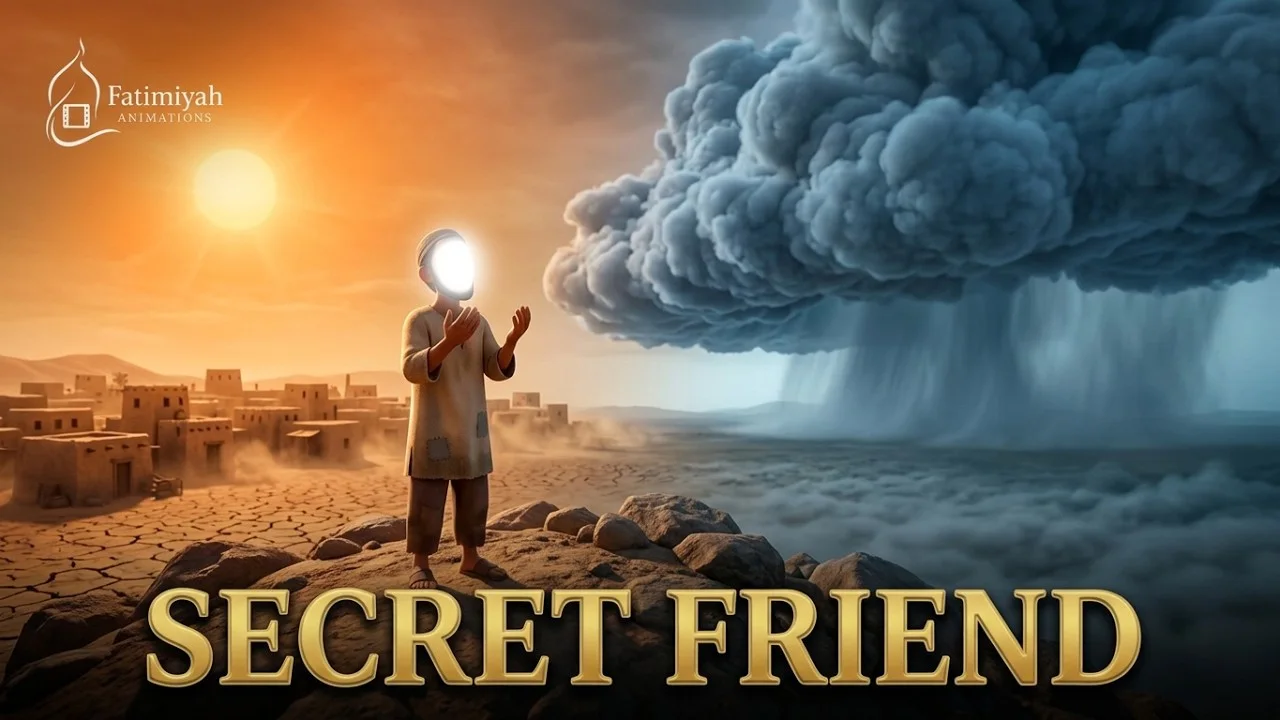
-

-
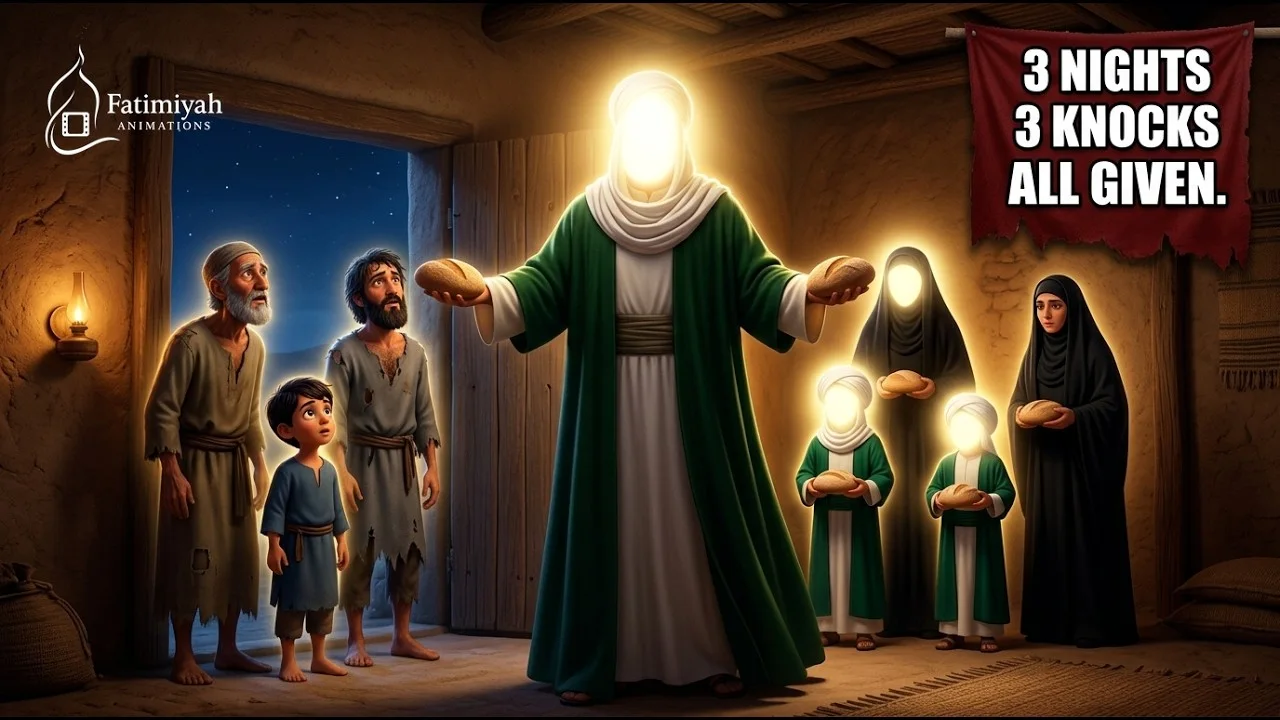
-
-
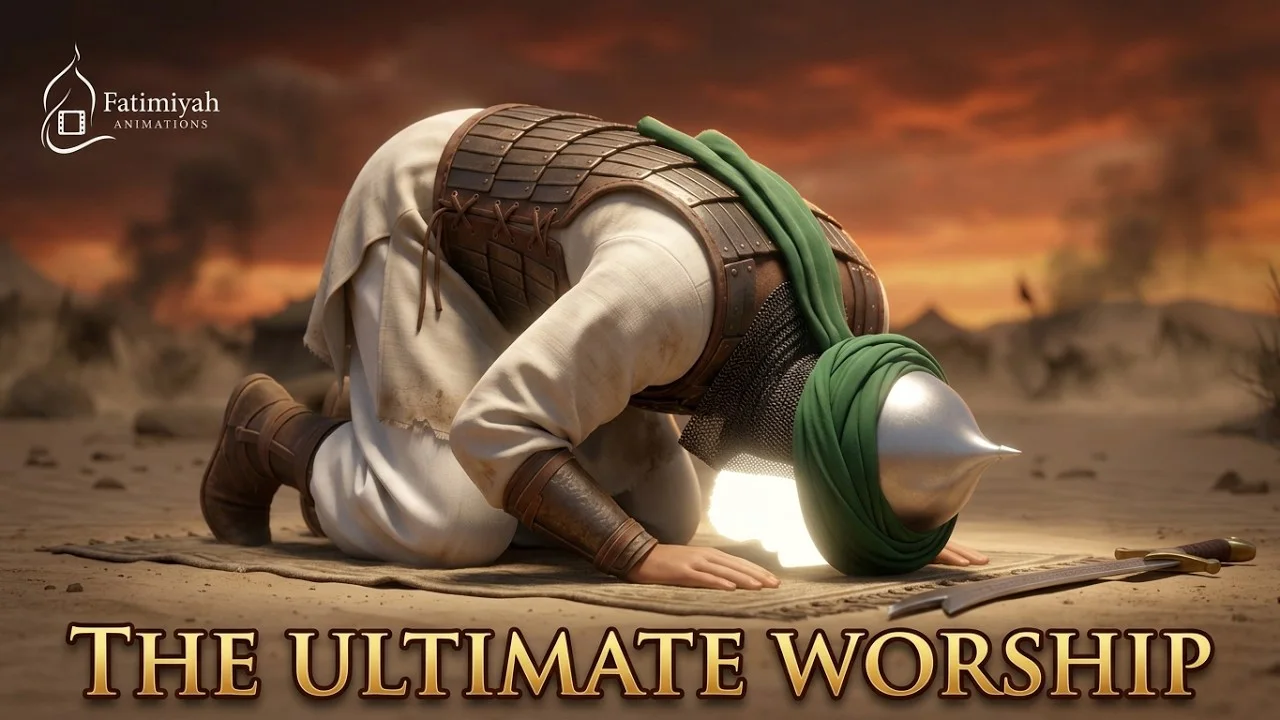
The Beautiful Prayer of Imam Husayn
Imam Husayn (a.s.)
-
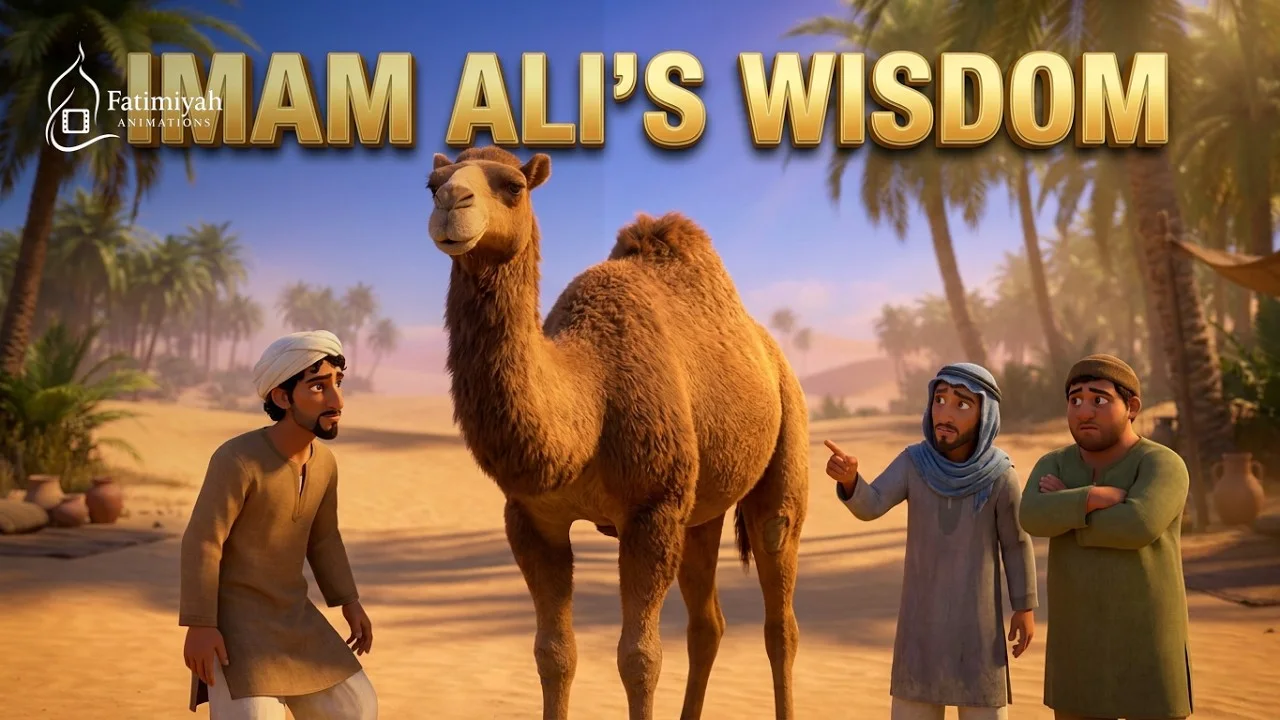
The Story of the Shared Camel
Imam Ali
-
-

-
-
-
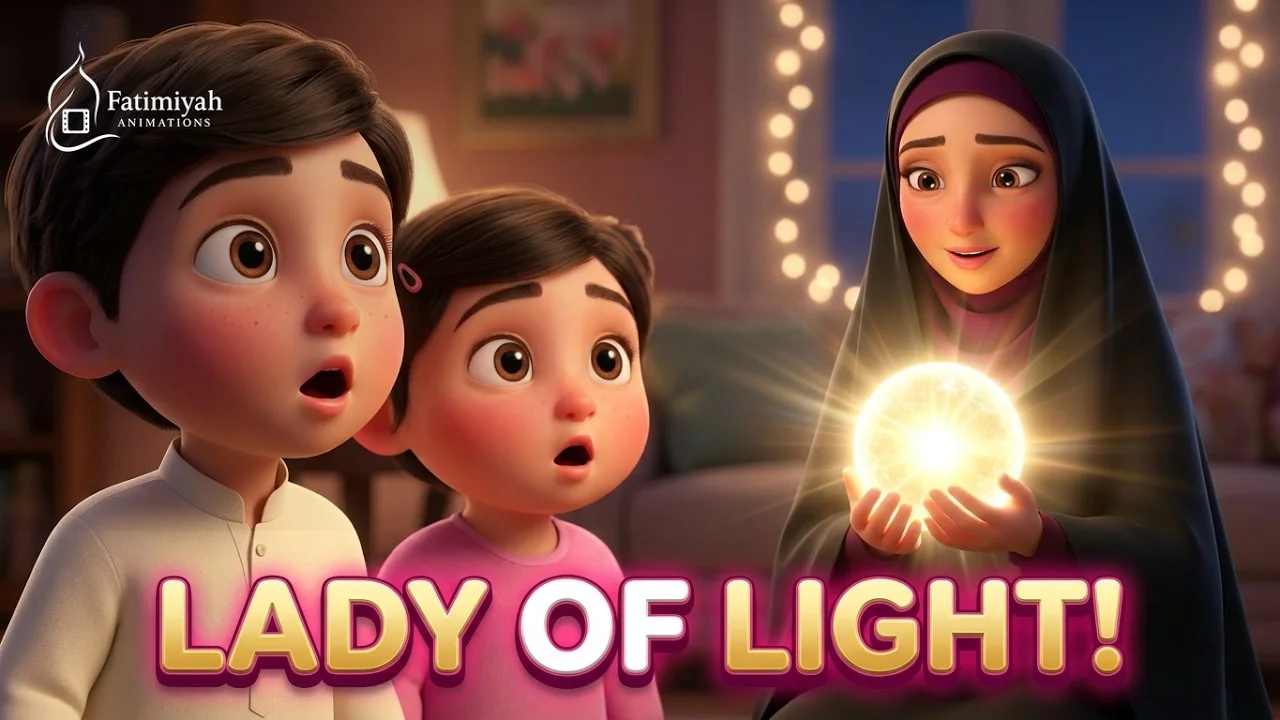
Wiladat Bibi Fatimah (s.a.)
Bibi Fatimah
-

Imam Ali’s 4 Health Tips for Kids
Imam Ali
-
-

-
-

-
-

-
-